Inflight Entertainment Enhancements
My Digital Experience team launched enhancements to the Southwest inflight entertainment portal, making it easier for customers to enjoy content during their flight.
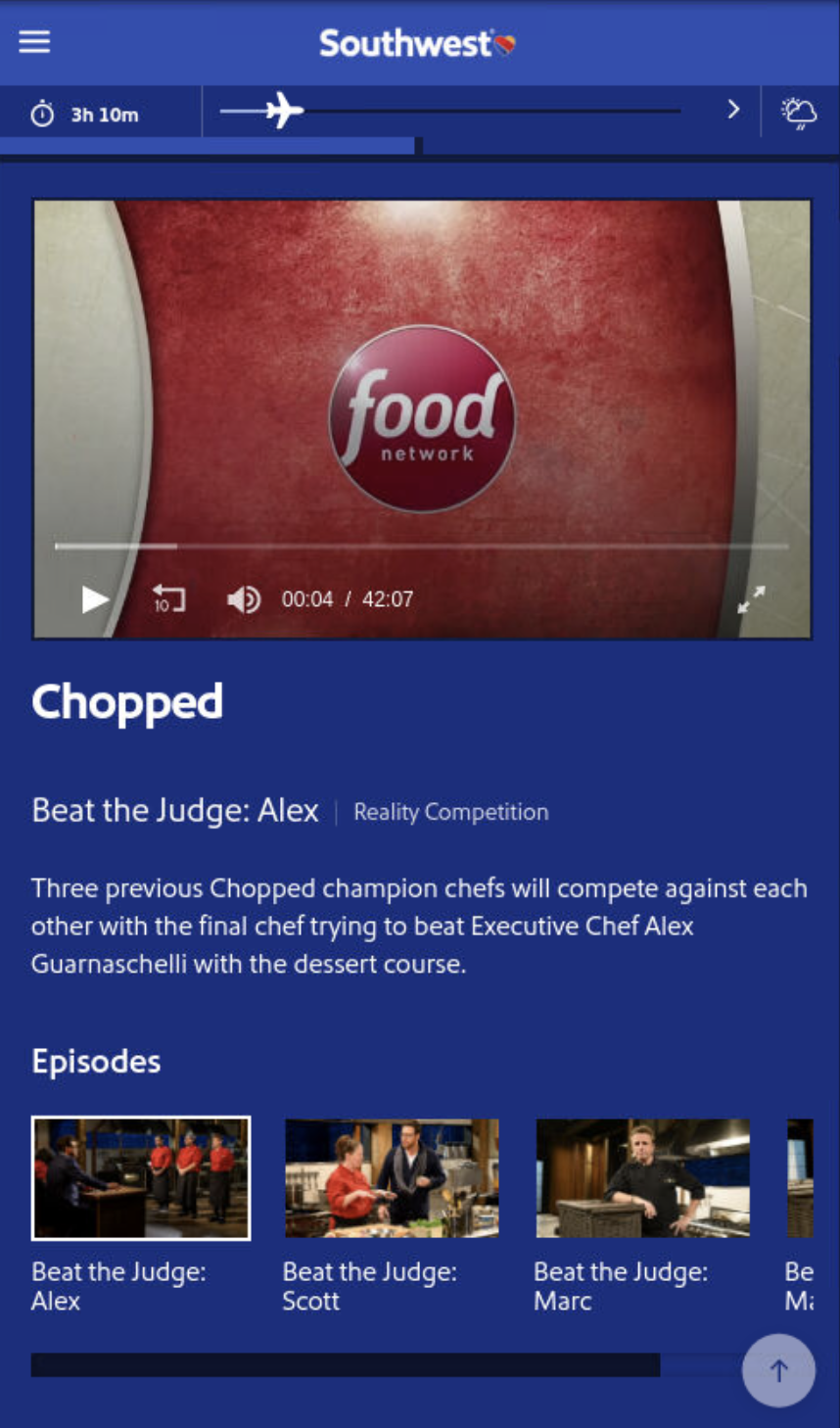
Binge Watch Auto-Play
The Problem
When watching a TV series inflight, customers had to manually start each new episode. This interrupted the viewing experience and reduced overall engagement with our content library.
The Solution
We implemented automatic episode progression:
- Auto-play next episode - When one episode ends, the next automatically begins
- Play All button - Start from the beginning and let it run
- Up next preview - See what’s playing next while current episode finishes
- Works across platforms - Consistent experience on all devices
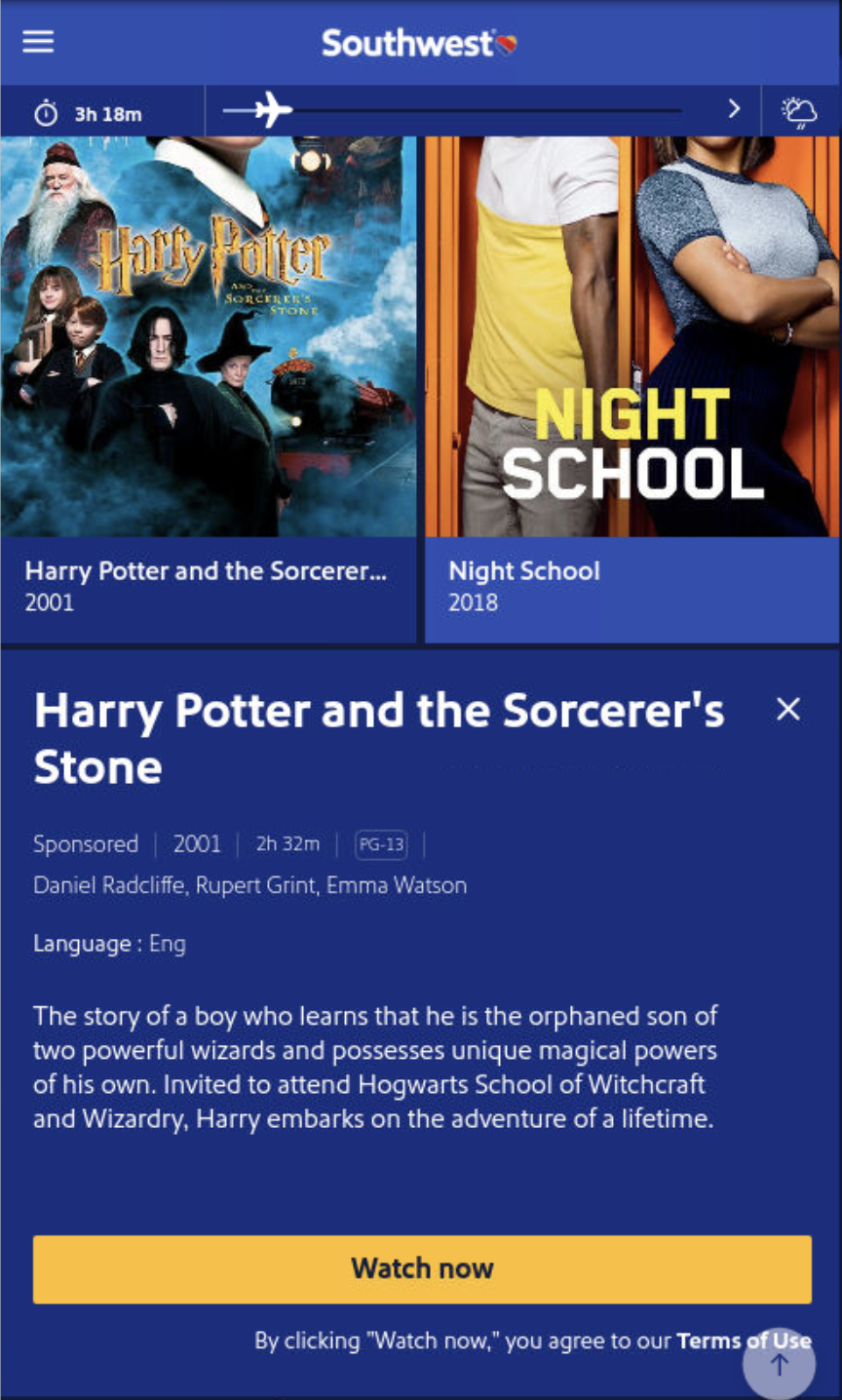
Movie Trailers
The Problem
Customers browsing the movie library could only read descriptions and view metadata. Without previews, they had to commit to a movie without knowing if it matched their mood.
The Solution
We added trailer support to the movie experience:
- View trailer option - Preview any movie before watching
- Trailer in movie tray - Easy access from the selection interface
- Better decision-making - Customers can choose with confidence
Customer Value
These enhancements transform how customers interact with inflight entertainment:
- More content consumed - Auto-play encourages longer viewing sessions
- Better choices - Trailers help customers find content they’ll enjoy
- Reduced friction - Less tapping and navigating, more watching
The changes align Southwest’s inflight experience with streaming services customers use at home, meeting modern expectations for entertainment interfaces.
Enhanced the inflight entertainment experience with auto-play episodes and movie trailers.