My Account Quick Links
My Digital Experience team added quick links to account management features across mobile platforms, making it easier for customers to access important account functions.
The Challenge
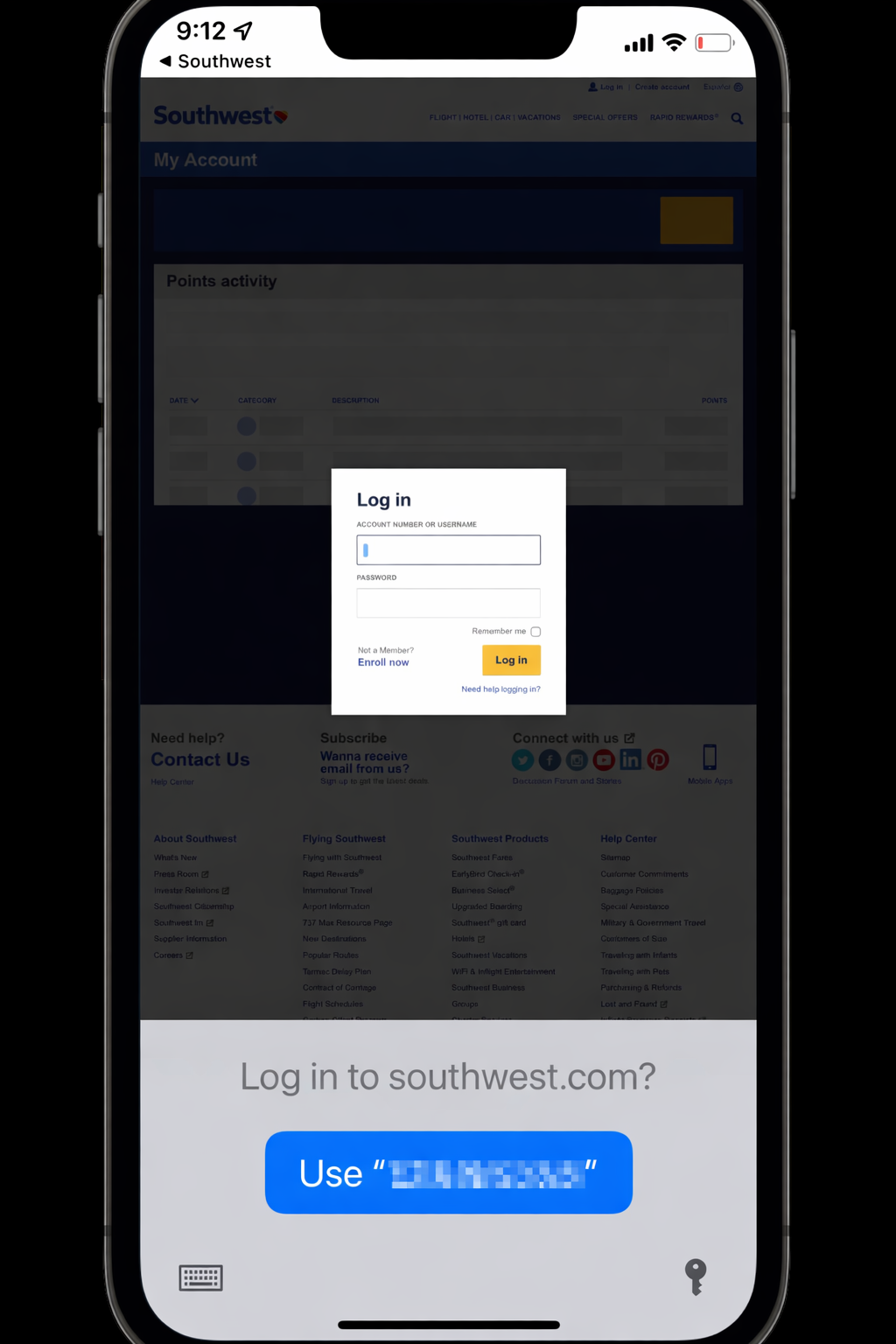
Many account management features—like viewing points activity, editing payment information, and managing login security—weren’t yet available natively in the mobile app. Customers had to navigate to the desktop site and sign in again, creating friction.
The Solution
Quick Links Section
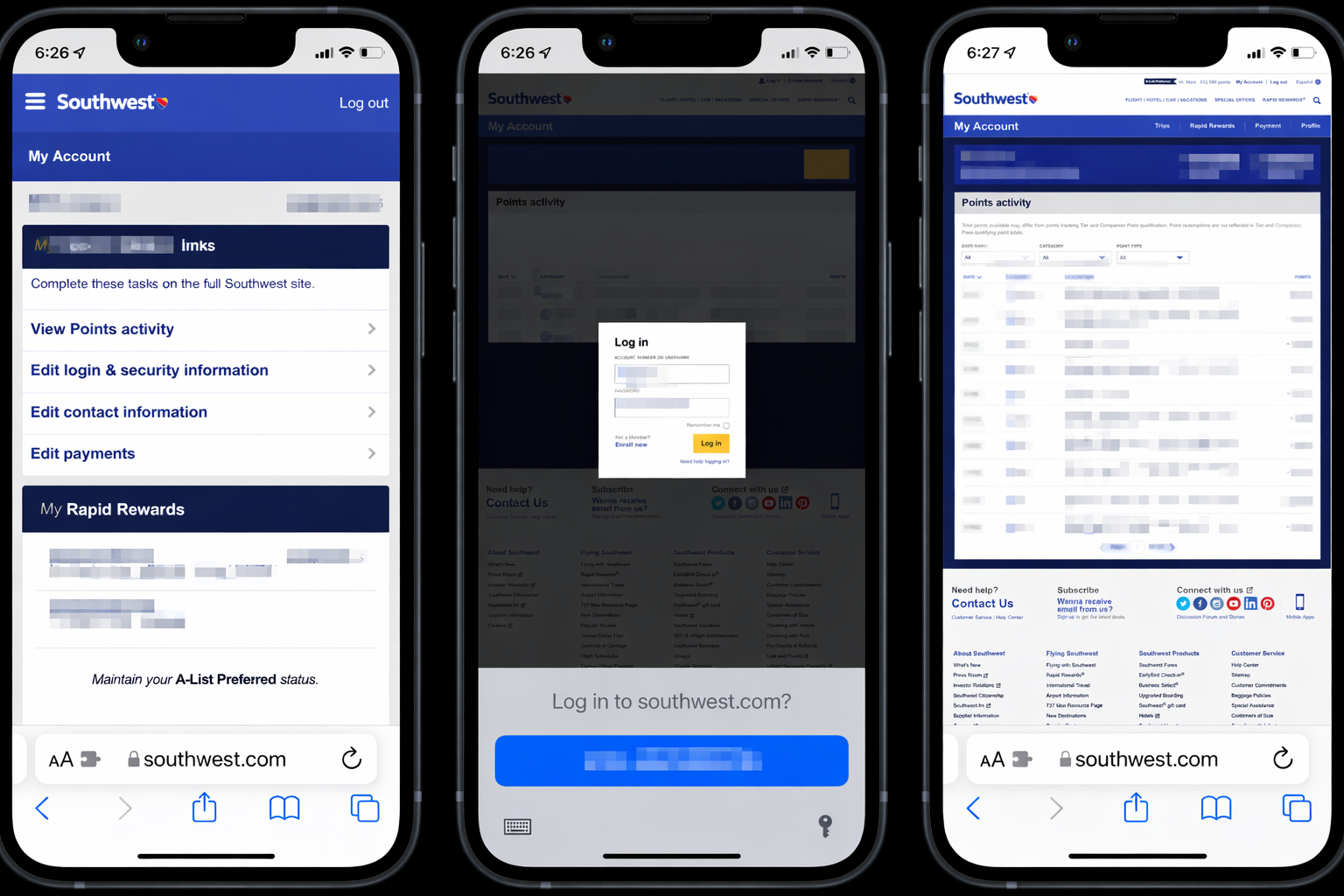
We added a dedicated quick links section in My Account:
- Points Activity - View earning and redemption history
- Edit Login & Security Info - Manage passwords and security settings
- Edit Contact Info - Update email and phone numbers
- Edit Payment Info - Manage saved payment methods
These links open the mobile-friendly web experience in a browser, pre-authenticated so customers don’t need to sign in again.
Platform Rollout
Mobile Web (December 2021)
- First platform to receive quick links
- Immediate adoption from authenticated users
iOS App (April 2022)
- Native app integration
- Seamless handoff to web experience
Android App (June 2022)
- Completed cross-platform availability
- Consistent experience across all mobile devices
Adoption Results
Quick links saw strong adoption immediately:
- Most-used feature group in My Account after launch
- Points Activity - 34% of views from iOS link, 6% from mWeb
- Edit Login & Security - 33% from iOS, 9% from mWeb
- Edit Contact Info - 21% from iOS, 2% from mWeb
Customer Value
By providing direct access to account features, we reduced the effort required to manage Southwest accounts on mobile. Customers can now quickly check their points balance, update their information, or manage security settings—all without switching to desktop or re-authenticating.
Quick links became the most-used feature group in My Account after launch, reducing customer calls.